AppleScript
Radiccio provides an AppleScript dictionary, which allows you to use AppleScript to get information from Radiccio, and to issue commands to make Radiccio perform actions.
User-executable scripts can be created and tested with the built-in Script Editor app on your Mac.
Script Editor also contains a built-in documentation library. To view it, go to File > Open Dictionary… and find Radiccio in the list.
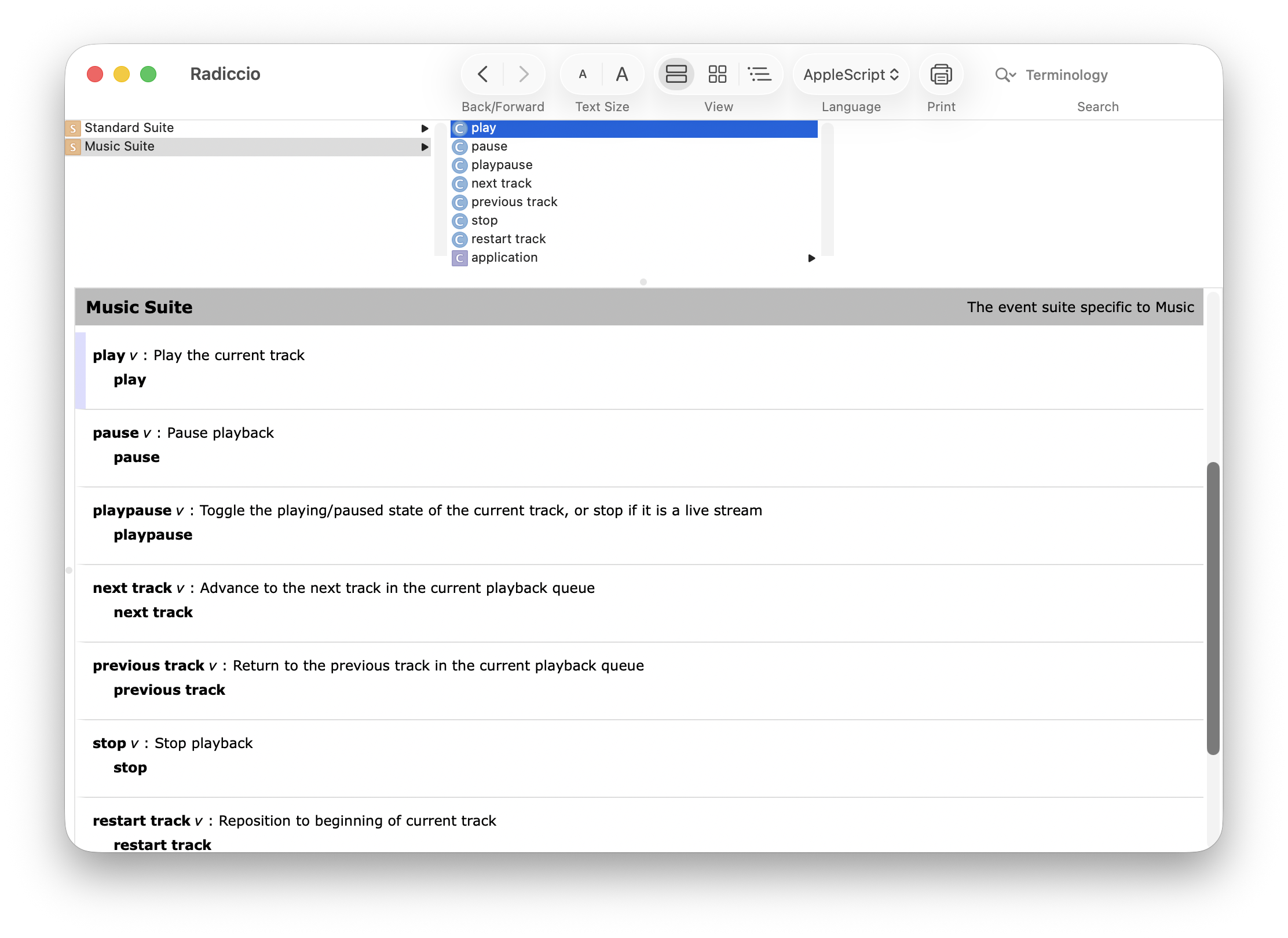
The best way to view the API is through Script Editor, so we have not copied its contents here. However, you can also view the AppleScript dictionary in XML format.
Once you have tested the API calls you want to use in Script Editor, you’ll need to use the Cocoa ScriptingBridge API to make those calls to Radiccio from your app. The open-source app Keyhole has a good example of how to this with Radiccio.
If the API does not seem to have what your app needs to do, please let us know so we can better understand your use cases.